
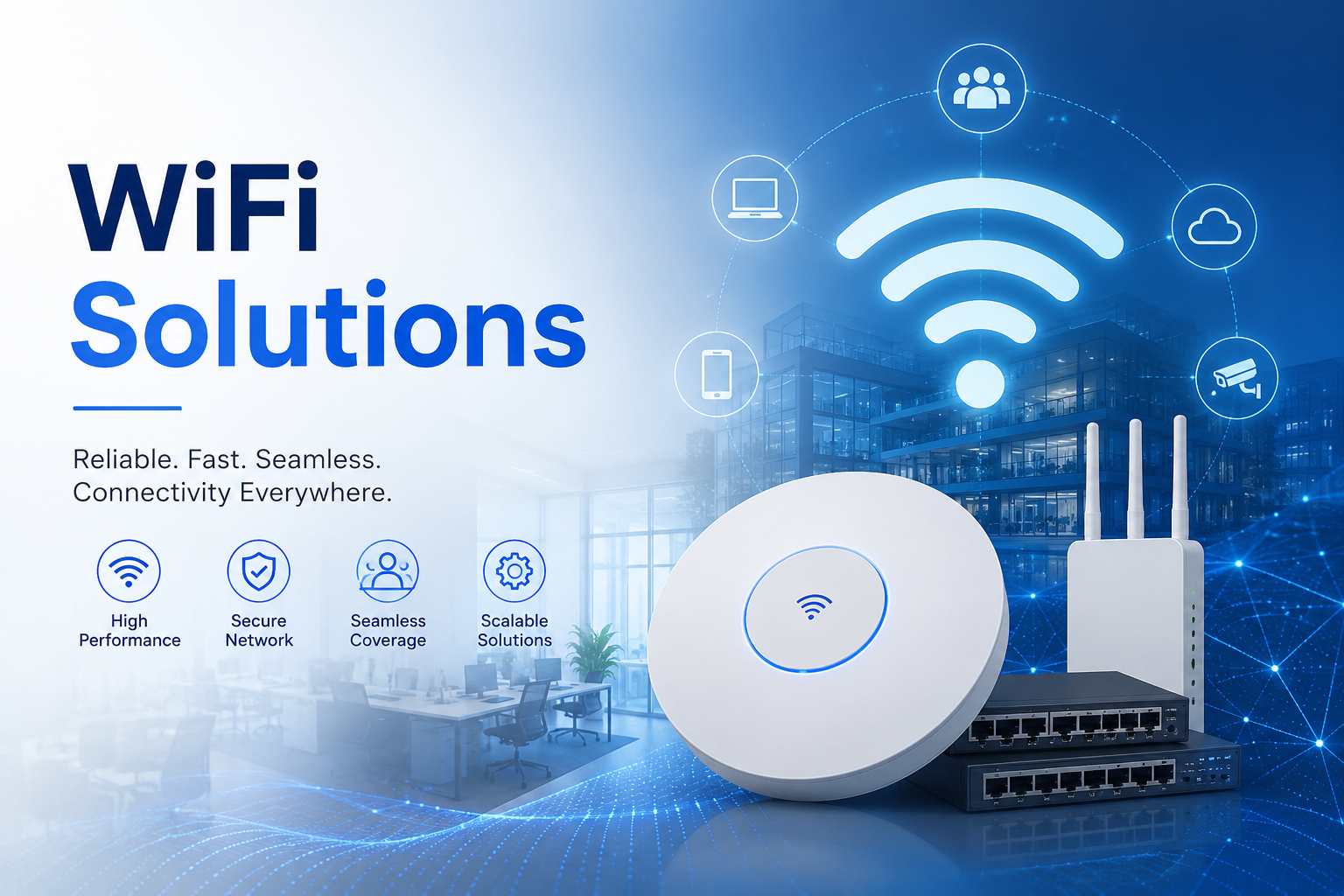
Enterprise WiFi Solutions: Installation and Maintenance
A Comprehensive Guide by Dam IT Solutions LLC
PART I: ENTERPRISE WiFi INSTALLATION & WIRELESS ARCHITECTURE
In the modern, mobile-first business ecosystem, enterprise-grade WiFi is no longer a luxury—it is the primary nervous system of corporate operations. From IoT sensors on the factory floor to high-density executive boardrooms, a business’s productivity is directly tethered to the speed, reliability, and security of its wireless network.
Deploying a wireless network that can seamlessly handle hundreds of concurrent devices while mitigating interference requires a meticulous, engineering-driven approach. This framework, developed by the network infrastructure division at Dam IT Solutions LLC, details the critical steps for installing a bulletproof enterprise wireless network.
1. Predictive Site Surveys and Spectrum Planning
Before purchasing a single Access Point (AP), a comprehensive wireless site survey is non-negotiable. Walking into a deployment without analyzing the physical and radio frequency (RF) environment guarantees dropped packets and dead zones.
RF Signal Attenuation Mapping: Network engineers must analyze building floor plans to account for physical obstructions. Drywall, glass, concrete, and heavy brick attenuate (weaken) WiFi signals at vastly different rates.
Capacity vs. Coverage Designing: Traditional residential WiFi is designed merely for coverage (reaching a far corner). Enterprise WiFi solutions must be designed for density and capacity—ensuring a single AP can handle dozens of resource-intensive devices (laptops, VoIP phones, tablets) simultaneously without performance degradation.
Spectrum Channel Selection: Properly plan the allocation of the 2.4 GHz, 5 GHz, and the latest 6 GHz (Wi-Fi 6E/7) spectrum bands. Standardizing on non-overlapping channels prevents co-channel interference, which occurs when neighboring APs shout over each other on the same frequency.
2. Physical Deployment and Access Point Positioning
The physical placement of your wireless hardware dictates its ultimate coverage efficacy. Careless mounting results in poor propagation and wasted hardware potential.
Strategic Geometric Placement: APs should generally be mounted horizontally on ceilings rather than vertically on walls to maximize the omnidirectional downward radiation pattern of corporate antenna arrays.
Power over Ethernet (PoE) Infrastructure: Eliminate the need for localized electrical outlets at every AP location by deploying Power over Ethernet (PoE+ or PoE++ via IEEE 802.3at/bt standards). Run solid copper, shielded Cat6A cables from the central network switch directly to the AP to deliver both gigabit-plus data speeds and clean electrical power.
Cabling and Aesthetic Management: Ensure all cable runs are neatly organized, labeled at both ends according to strict alphanumeric compliance schemas, and hidden securely within ceilings or conduits to prevent physical tampering.
3. Logical Configuration and Network Segmentation
With the physical hardware mounted, the logical architecture must be configured through a centralized wireless LAN controller (WLC) or cloud-managed dashboard.
SSID Architecture & VLAN Segmentation: Never dump all wireless traffic into one bucket. Create distinct Service Set Identifiers (SSIDs) mapped to separate Virtual Local Area Networks (VLANs). Keep your internal corporate data, employee personal devices, and external guests entirely isolated from one another.
Enterprise Authentication Mechanisms: Move away from vulnerable, shared WPA2/WPA3 pre-shared keys (passwords that employees can easily share). Implement WPA3-Enterprise coupled with RADIUS authentication or IEEE 802.1X, tying wireless network access directly to active user accounts (such as Microsoft Active Directory or Google Workspace).

PROACTIVE WiFi MAINTENANCE, TUNING, AND LIFECYCLE MANAGEMENT
4. Post-Installation Security Hardening
A wireless network broadcasts its presence into the surrounding airwaves, making it a primary target for external threats. Hardening the perimeter must happen immediately following installation.
Rogue AP Detection and Containment: Configure your wireless network solution to constantly scan the airwaves for unauthorized, “rogue” routers or unauthorized hotspots plugged into corporate network jacks by well-meaning employees.
Guest Portal Isolation: Ensure the Guest WiFi network features strict client isolation—preventing guest devices from seeing or communicating with one another, let alone accessing private corporate databases.
Centralized Security Monitoring: Stream wireless security logs, authentication failures, and credential alerts directly to a Security Information and Event Management (SIEM) system managed by Dam IT Solutions LLC for round-the-clock anomaly detection.
5. Proactive Maintenance and RF Optimization
Wireless environments change constantly. A new filing cabinet, a modified office layout, or a neighbor installing a new microwave can drastically alter your signal integrity. Ongoing optimization is vital.
Dynamic Channel and Power Tuning: Utilize automated Radio Resource Management (RRM) software to allow APs to dynamically shift channels and adjust their transmission power levels in real-time when localized interference is detected.
Firmware Lifecycle Management: Schedule routine, off-peak maintenance windows to update the firmware on Access Points and wireless controllers. These updates patch newly discovered wireless vulnerabilities and optimize hardware drivers for newer client devices.
Physical Hardware Auditing: Periodically inspect physical AP units to ensure they haven’t been dislodged, covered by ceiling tiles, or exposed to moisture from unmanaged HVAC condensation.
6. Continuous Telemetry, Performance Auditing, and Refreshes
To maintain a high-performing wireless ecosystem, network administrators must rely on empirical data rather than user complaints.
Wi-Fi KPI Tracking: Deploy continuous monitoring tools to track vital wireless metrics, including RSSI (Signal Strength), SNR (Signal-to-Noise Ratio), channel utilization percentages, packet retry rates, and roaming latency. High retry rates usually point to hidden interference issues that require immediate remediation.
Active Roaming Optimization: Fine-tune 802.11k, 802.11v, and 802.11r protocols to ensure fast, seamless roaming. This allows users to walk across a massive office campus during a live video call without experiencing a single dropped packet as their device transitions between Access Points.
Lifecycle Assessment: Wireless technology evolves rapidly. As older Wi-Fi standards face deprecation, team up with Dam IT Solutions LLC to orchestrate seamless hardware refreshes, upgrading your infrastructure to the latest high-bandwidth, low-latency Wi-Fi 7 standards to future-proof your business operations.
Need Help Optimizing Your Wireless Footprint?
Building a flawless wireless environment requires a delicate balance of physical planning and digital defense. Whether you are experiencing frustrating dead zones or building a brand-new facility from scratch, the network engineers at Dam IT Solutions LLC are equipped to design, deploy, and manage your custom enterprise WiFi solution.
