
ENTERPRISE SERVER INSTALLATION FRAMEWORK
In the modern digital economy, data servers serve as the foundational infrastructure driving business continuity, software performance, and organizational scale. Whether managing a localized on-premises array, a complex hybrid-cloud deployment, or an enterprise-grade data center, the paradigms of server installation and ongoing maintenance dictate the operational efficiency of the entire enterprise.
For growing businesses, infrastructure failure translates directly to severe financial loss, damaged reputation, and compromised security protocols. This comprehensive guide, compiled by the engineering team at Dam IT Solutions LLC, outlines the critical methodologies, industry best practices, and systematic approaches required to install and maintain server environments for maximum uptime, security, and enterprise scalability.
1. Pre-Deployment Planning and Needs Assessment
Before a single piece of hardware is unboxed or a cloud instance is provisioned, a meticulous assessment of organizational requirements must occur. System architects must thoroughly evaluate current workloads while accurately forecasting growth over a three-to-five-year horizon.
Workload Identification: Determine the primary function of the server. Will it operate as a Domain Controller (DC), a Database Management System (DBMS) like Microsoft SQL or PostgreSQL, a Web Server (IIS/Apache/Nginx), an Application Server, or a Virtualization Host (Hyper-V/VMware ESXi)? Each specific workload places distinct demands on underlying hardware subsystems.
Resource Dimensioning: Quantify the compute capacity (CPU cores and clock speed), volatile memory (RAM capacity and throughput configurations), storage architectures (capacity, IOPS, and RAID topologies), and total network bandwidth required to eliminate bottlenecks.
Environment Selection: Decide between on-premises physical hardware, outsourced colocation, or Infrastructure-as-a-Service (IaaS) cloud models. For on-premises systems, ensure environmental controls (HVAC cooling, strict humidity governance) and clean, redundant power delivery (UPS units and automated diesel generators) are fully validated.
2. Hardware Assembly and Physical Installation
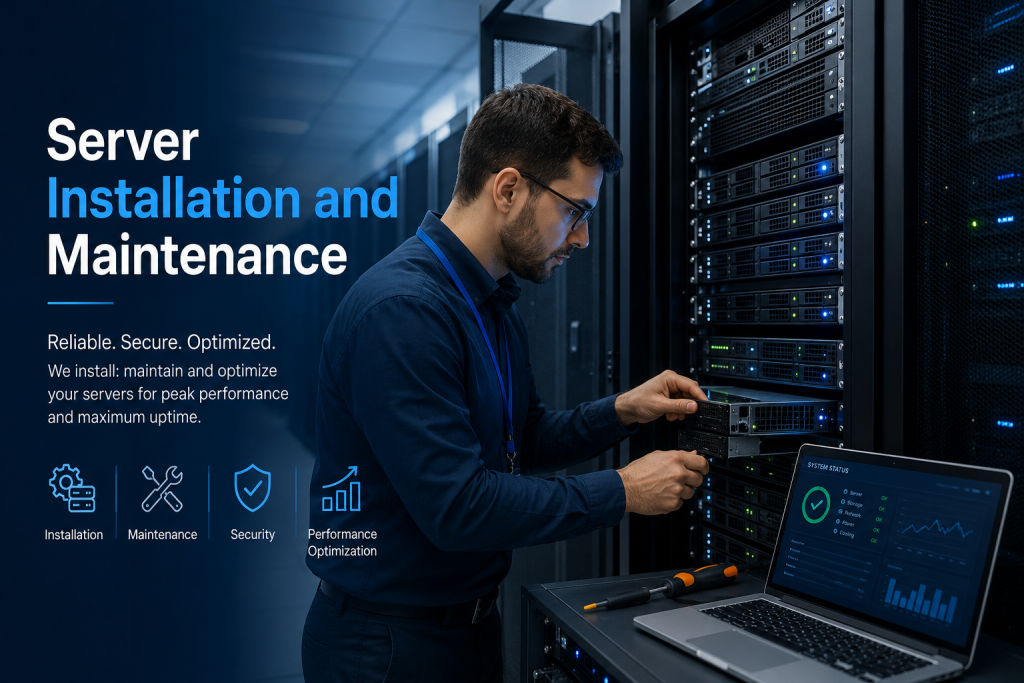
For physical infrastructure deployments, the installation phase sets the permanent baseline for long-term hardware reliability. Poor physical setup frequently leads to thermal throttling, cable fatigue, and costly maintenance bottlenecks.
Rack Integration: Mount servers securely within standardized 19-inch equipment racks. Utilize heavy-duty rail kits, ensuring heavy equipment (such as enterprise UPS units and dense storage SAN arrays) is systematically positioned at the bottom of the rack to maintain a safe, low center of gravity.
Thermal Management: Adhere strictly to structured hot-aisle/cold-aisle containment principles. Ensure airflow pathways are entirely unobstructed; intake fans must draw chilled air directly from the cold aisle and expel exhaust efficiently back into the hot aisle.
Structured Cabling: Deploy high-quality Cat6A or fiber-optic patch cords. Separate data cabling pathways from power lines to actively mitigate electromagnetic interference (EMI). Every single cable must be meticulously labeled at both endpoints using a logical, systematic alphanumeric schema. Secure all cabling within horizontal and vertical cable managers using hook-and-loop fasteners (Velcro) rather than plastic zip ties, which can crimp lines and restrict bandwidth.
Power Redundant Architecture: Connect redundant server power supply units (PSUs) to completely independent power distribution units (PDUs), which are in turn connected to separate UPS utility circuits or distinct electrical grids.
3. Operating System Provisioning and Baseline Configuration
Once the physical layer is completely secured, hardware-level configurations and operating system installation workflows can safely begin.
Firmware and UEFI/BIOS Optimization: Flash the motherboard, RAID controllers, network interface cards (NICs), and out-of-band management modules (iDRAC, iLO) to the latest stable, vendor-approved firmware versions. Configure UEFI settings for optimal power profiles and explicitly enable Secure Boot.
Storage Virtualization (RAID): Configure physical drives into appropriate redundant arrays. Utilize RAID 1 or RAID 10 for operating system volumes and database transaction logs to maximize write performance and fault tolerance. Apply RAID 5 or RAID 6 for bulk data storage where storage efficiency is balanced against disk rebuild times.
OS Installation and Minimal Footprint: Install enterprise-grade operating systems such as Windows Server 2022, Red Hat Enterprise Linux (RHEL), or Ubuntu LTS. Implement the “minimal footprint” philosophy—install only core components without graphical user interfaces (GUIs) where possible to minimize the attack surface and conserve system overhead.
Network Integration: Assign static IPv4/IPv6 addresses, configure subnet masks, default gateways, and redundant DNS servers. Implement NIC Teaming or Link Aggregation Control Protocol (LACP) to achieve network interface redundancy and load balancing.
PROACTIVE MAINTENANCE AND SECURITY LIFECYCLE MANAGEMENT
4. Post-Installation Hardening and Security Baseline
A server is highly vulnerable immediately following its initial OS installation. Comprehensive security hardening must occur before connecting the machine to production environments or public-facing network subnets.
Access Control and Authentication: Disable generic administrator or root accounts, replacing them with unique, named administrative credentials. Enforce multi-factor authentication (MFA) across all administrative access vectors, including SSH, RDP, and out-of-band management interfaces.
Service Minimization and Port Auditing: Disable all non-essential operating system roles, features, and background services. Configure host-based firewalls (Windows Advanced Firewall, iptables/firewalld) to reject all inbound traffic by default, explicitly permitting only necessary service ports.
Centralized Logging and Auditing: Configure Syslog or Windows Event Forwarding to stream security, system, and application logs to a secure, centralized Security Information and Event Management (SIEM) system monitored by the security specialists at Dam IT Solutions LLC.
5. Scheduled Maintenance and Patch Management
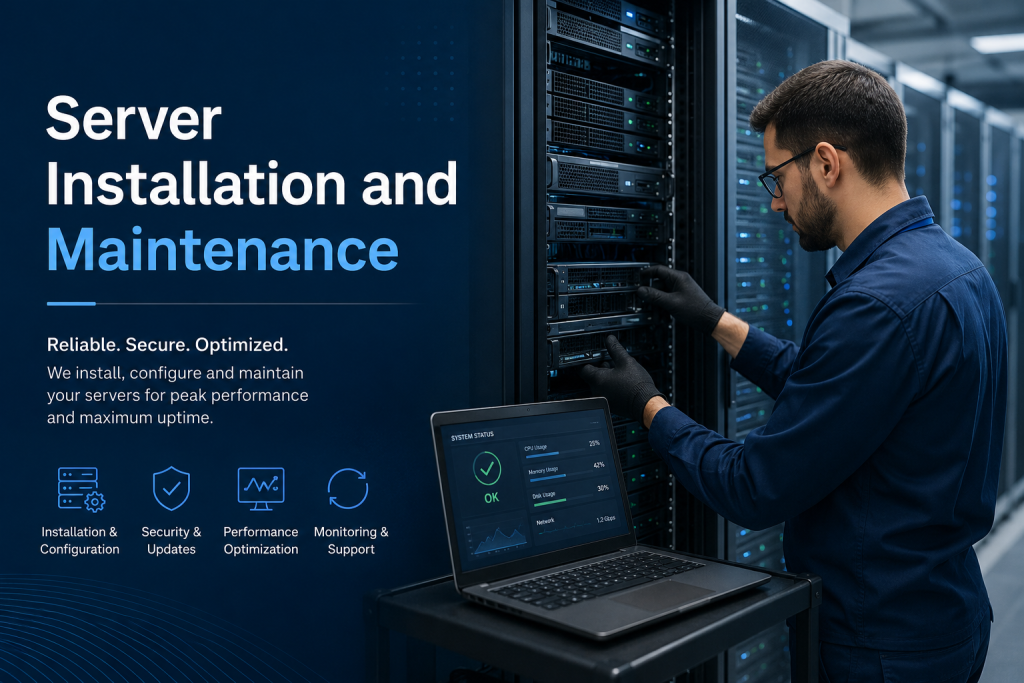
Server maintenance must shift from a reactive “break-fix” model to a structured, proactive schedule. Software drift and unpatched vulnerabilities remain the primary vectors for enterprise data breaches.
Patch Deployment Regimen: Establish a rigid patch management lifecycle. Categorize updates into critical, security, and functional categories. Stage all updates within a non-production QA environment to test for application compatibility and stability before deploying to production clusters during pre-approved maintenance windows.
Automated Configuration Management: Utilize infrastructure-as-code and configuration management tools (such as Ansible, Puppet, or PowerShell DSC) to prevent configuration drift and maintain uniform baseline compliance across the entire server fleet.
Physical Maintenance Protocols: Periodically inspect physical nodes. Schedule off-peak maintenance windows to clear dust from server chassis and intake filters using compressed air, check the integrity of backup batteries within RAID controllers, and inspect cabling for physical wear or loose connections.
6. Continuous Monitoring, Performance Tuning, and Backup Verification
The final component of server sustainability is the continuous evaluation of performance telemetry and data integrity safeguards.
Telemetry and Alert Thresholds: Deploy comprehensive monitoring agents (such as Zabbix, Datadog, or Prometheus) to track Key Performance Indicators (KPIs) including CPU utilization, RAM consumption, storage IOPS, network latency, and hardware health metrics (thermal sensors, fan speeds, PSU status). Configure multi-tiered alert thresholds (Warning, Critical, Fatal) to notify system engineers before performance degradation impacts end-users.
Backup Architecture and the 3-2-1-1-0 Rule: Implement an unyielding backup regimen. Maintain at least three (3) copies of enterprise data, stored on two (2) different types of media, with one (1) copy located offsite, one (1) copy maintained in an immutable or air-gapped environment, and ensure zero (0) errors during automated recovery testing.
Lifecycle Assessment and Decommissioning: Track hardware lifecycles closely. As components reach the end of their vendor support window (typically 3 to 5 years), coordinate with Dam IT Solutions LLC to orchestrate seamless hardware refreshes, data migrations, and certified, secure cryptographic data destruction of retired storage media.
By combining rigorous installation methodologies with unwavering maintenance discipline, businesses can construct an infrastructure foundation that is resilient against both hardware failures and sophisticated cyber threats.
