
ARCHITECTURE, CAVING, AND HARDWARE INTEGRATION
In an era where physical security and digital identity verification intersect, controlling access to corporate facilities, multi-tenant commercial properties, and residential complexes has become a critical operational requirement. Legacy intercoms—which only deliver low-fidelity audio—fail to provide the visual confirmation necessary to mitigate unauthorized tailgating, social engineering, and delivery-intercept vulnerabilities.
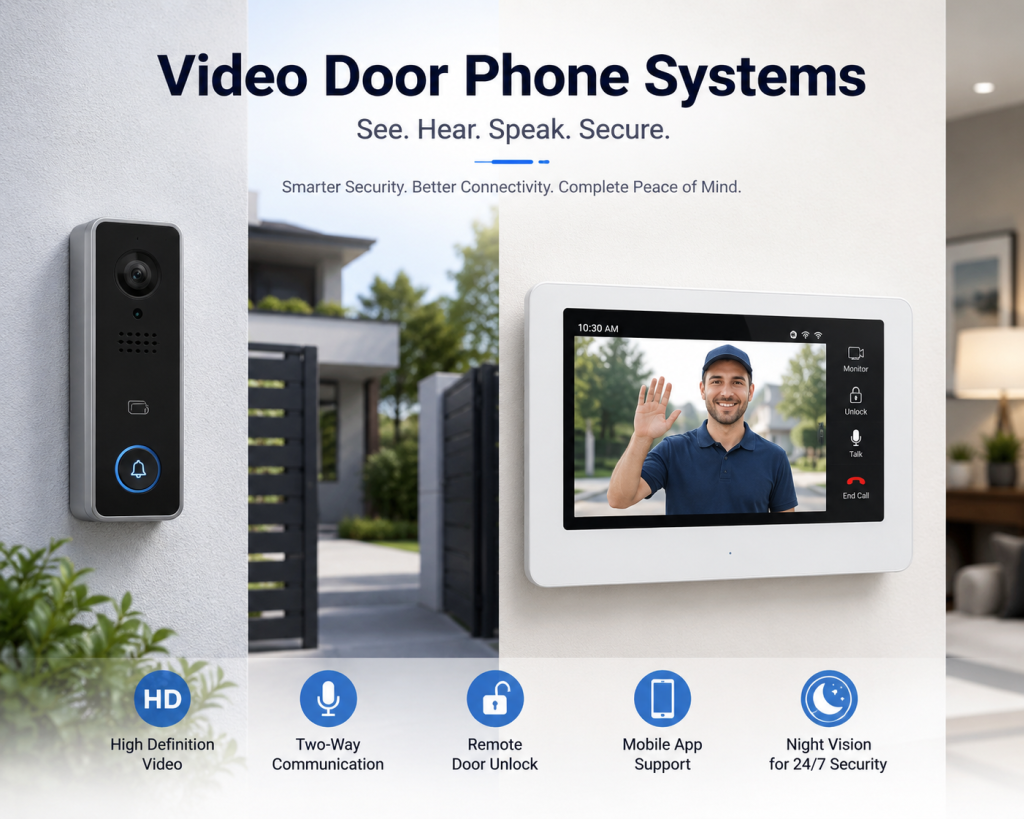
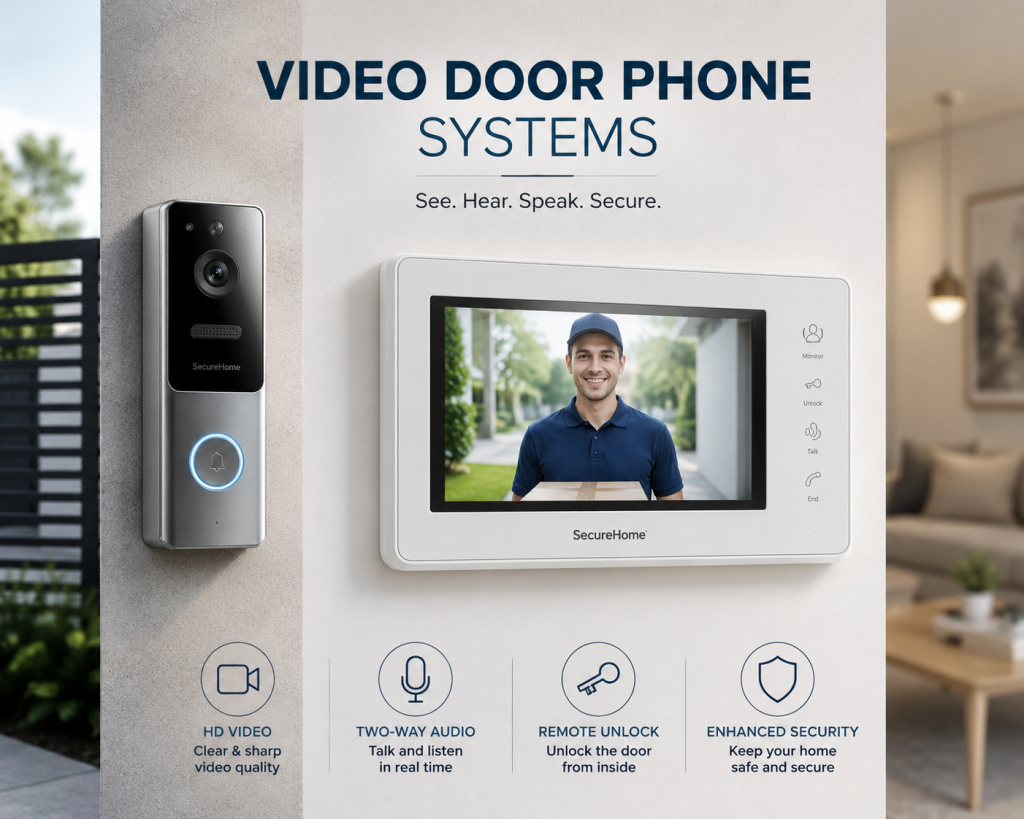
Modern Video Door Phone (VDP) systems bridge this security gap by merging high-definition video surveillance with bidirectional audio and remote access control. This implementation framework, compiled by the access control division at Dam IT Solutions LLC, details the technical methodologies required to design and deploy a secure, enterprise-grade VDP ecosystem.
1. System Topology and Infrastructure Selection
Before running physical cable or installing exterior entry hardware, a system architect must decide between two primary VDP architectural topologies: analog-multiwire or modern IP-based Networked VDPs.
IP-Based Networked VDP Systems: For enterprise environments, IP-based systems are the industry standard. They leverage standard network protocols, allowing entry panels and indoor monitoring stations to communicate seamlessly over a corporate Local Area Network (LAN) using standard Ethernet cables.
Power over Ethernet (PoE) Budgets: IP video door phones utilize PoE switches (IEEE 802.3af/at) to draw both operating power and network data through a single cable run. This eliminates the need for localized electrical transformers at high-risk external gates.
Integration Planning: Ensure the selected VDP infrastructure supports standard Session Initiation Protocol (SIP) and Open Network Video Interface Forum (ONVIF) compliance. This enables the video door phone to integrate natively with your existing VoIP phone systems and corporate Network Video Recorders (NVRs).
2. Physical Placement and Environmental Protection
Outdoor entrance panels are subject to harsh weather conditions and physical tampering. Proper placement and protective measures directly impact the longevity of the physical hardware.
Camera Geometry and ADA Compliance: Mount the outdoor entry panel at a height that accommodates all individuals, typically with the camera lens positioned between 4.5 to 5 feet above the finished floor line. Choose panels equipped with wide-angle or fisheye lenses (130° to 180° field of view) to eliminate blind spots where unauthorized visitors might try to stand out of sight.
Environmental Hardening: Outdoor stations must possess an International Protection (IP) rating of at least IP65 (dust-tight and water-jet resistant) and an IK impact rating of IK08 or higher to withstand vandalism. If the entrance is exposed to direct sunlight, install a protective rain/sun shield to prevent thermal degradation and lens glare.
Electronic Lock Power Isolation: Never run the electrical current for an electronic lock (such as a magnetic lock or electric strike) directly through the fragile internal relay of the VDP entry panel. Always route the lock through an isolated power supply controller equipped with fire alarm override triggers.
3. Network Configuration and Access Control Protocols
Once the edge devices are mounted, the network layout must be secured to protect the integrity of your corporate network.
VLAN Isolation: Isolate all VDP entryway panels, indoor monitor screens, and SIP servers on a dedicated, non-routable Access Control VLAN. This ensures that even if an attacker physically rips an entry panel off an external wall, the exposed Ethernet cable cannot give them access to your internal corporate databases.
SIP Server and PBX Integration: Register the VDP units to your centralized Private Branch Exchange (PBX) or cloud SIP server. This configuration allows calls from the front door panel to route directly to receptionist desk phones, mobile applications, or security desks seamlessly.
Static IP Mapping: Assign reserved static IP addresses to all entry stations and indoor responsive monitors to ensure uninterrupted communication links during DHCP server lease renewals.
LOGICAL MANAGEMENT, SECURITY HARDENING, AND PROACTIVE MAINTENANCE
4. Post-Installation Security Hardening
Because video door phones sit on the exterior perimeter of a facility, they are highly exposed to unauthorized network entry attempts and brute-force cracking.
Cryptographic Protocol Enforcement: Disable insecure, plaintext communication protocols like HTTP and unencrypted SIP. Force all administrative traffic through HTTPS and wrap voice/video streams in Secure Real-time Transport Protocol (SRTP) and Transport Layer Security (TLS).
Firmware Password Upgrades: Immediately change all factory-default manufacturer passwords to custom, high-complexity strings managed by an enterprise credential vault. Disable unused network services, discovery protocols (such as UPnP), and unnecessary debugging ports.
Access Log Offloading: Configure the VDP system to instantly forward access logs, snapshots of individuals requesting entry, and doorbell telemetry to a centralized logging server monitored by Dam IT Solutions LLC.
5. User Management and Access Token Provisioning
A VDP system does more than just stream video—it serves as a primary access credential reader for employee authentication.
Multi-Factor Authentication (MFA): For high-security zones, configure the entry panel to require multi-factor verification—such as combining an RFID key card/fob scan with a unique PIN code, or leveraging biometric facial recognition.
Temporary Guest QR Codes: Utilize the VDP’s management portal to generate time-restricted, single-use QR codes for contractors or expected visitors. These codes can be scanned directly at the door panel camera, granting entry only within a tight, pre-approved time window.
Mobile App Proxy Restrictions: When enabling remote door-unlock features on employee smartphones, route the traffic through a secure cloud gateway protected by biometric verification (FaceID/Fingerprint) on the phone itself, preventing unauthorized unlocks if an employee’s phone is stolen.
6. Continuous Maintenance, Auditing, and Lifecycle Optimization
A failed access control system leaves a business either entirely vulnerable to intrusion or physically locked out of its own facility. Proactive maintenance mitigates these risks completely.
Telemetry and Health Monitoring: Implement automated ping testing and SNMP monitoring. If an indoor reception screen goes offline or an exterior panel experiences a voltage drop, the system must immediately dispatch a critical alert to Dam IT Solutions LLC for rapid triage.
Physical Component Audits: Schedule quarterly physical inspections to clean camera lenses with anti-static solution, verify the alignment of magnetic locks, test emergency egress buttons, and ensure backup batteries within the access control power supply can sustain the system during utility power failures.
Firmware Lifecycle Management: Keep system endpoints updated with the latest vendor-patched firmware. This ensures protection against newly discovered hardware-level vulnerabilities and maintains stability as smartphones and computer operating systems receive software updates.
Ready to Modernize Your Access Control Infrastructure?
Designing an enterprise Video Door Phone ecosystem requires a seamless blend of network routing, physical lock engineering, and strict digital defense protocols. Whether you are upgrading an older building’s intercom layout or designing an automated entry system for a brand-new facility, the security systems team at Dam IT Solutions LLC is equipped to design, install, and maintain your custom access solution.
