
A Physical Security Architecture by Dam IT Solutions LLC
NETWORK ARCHITECTURE AND HARDWARE PROVISIONING
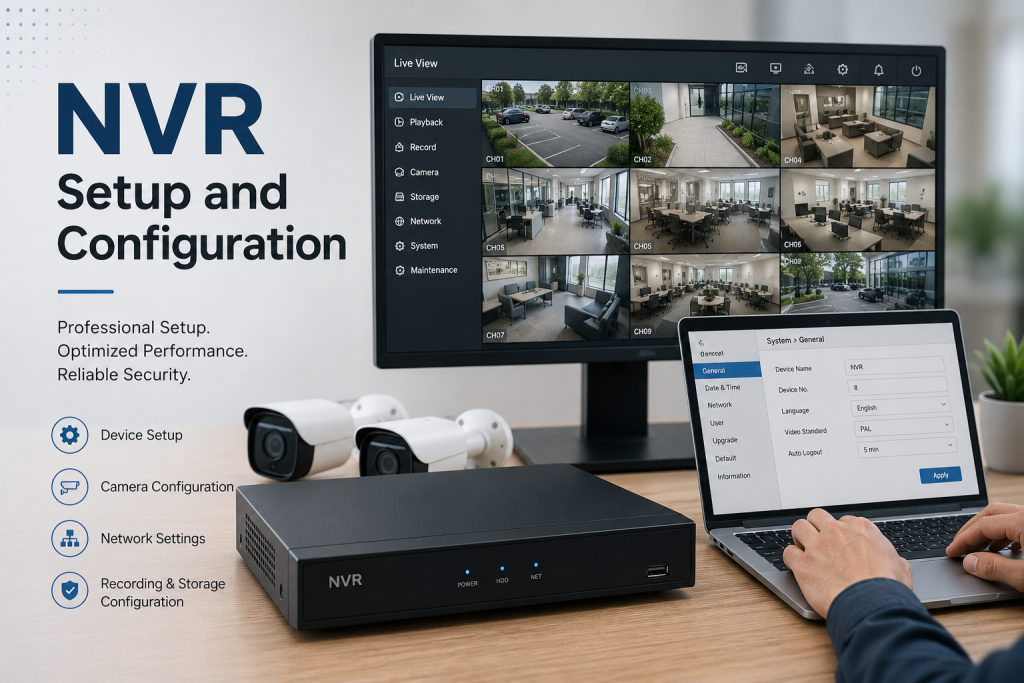
In modern enterprise security, video surveillance has transitioned from legacy analog closed-circuit television (CCTV) to high-definition IP-based surveillance systems. At the heart of this infrastructure sits the Network Video Recorder (NVR). Unlike older digital video recorders (DVRs) that encode video at the recorder level, an NVR receives pre-encoded, high-resolution video streams directly over an IP network.
A poorly designed surveillance network leads to dropped video frames, choked network bandwidth, and security vulnerabilities that bad actors can exploit. This deployment framework, curated by the physical security and infrastructure engineers at Dam IT Solutions LLC, outlines the essential methodologies for installing a robust, secure, and highly available NVR system.
1. Network Topology and Dedicated Subnetting
IP security cameras are chatty devices that generate massive, continuous streams of data. Mixing this heavy UDP multicast or unicast traffic with standard corporate data traffic is a recipe for network congestion.
Physical or Virtual Isolation: Always isolate the surveillance network. This is achieved either by deploying physically separate unmanaged/managed switches solely for the cameras, or by creating a dedicated Virtual Local Area Network (VLAN) mapped specifically to surveillance traffic on your core enterprise switch.
Non-Routable IP Schema: Assign a dedicated, non-routable private IP address space (e.g.,
10.50.10.0/24) to the cameras and the secondary network interface card (NIC) of the NVR. This ensures that even if a perpetrator physically tampers with an outdoor IP camera, they cannot gain a network bridge into your primary corporate data environment.Quality of Service (QoS) Provisioning: Configure QoS rules on your managed switches to prioritize video streaming packets over standard web traffic, ensuring that real-time video feeds do not experience latency or pixelation during peak business hours.
2. Storage Matrix Planning and RAID Configuration
Video retention policies often require weeks or months of continuous high-definition footage. Selecting the proper storage tier dictates whether your system can withstand a sudden drive failure without losing critical security footage.
Enterprise Surveillance-Grade Storage: Never use standard desktop hard drives in an NVR. Desktop drives are engineered for 8×5 operational cycles with high read bursts. NVR systems require surveillance-grade drives (such as Western Digital Purple or Seagate SkyHawk) or enterprise enterprise-class SAN drives designed for 24/7/365 continuous write operations.
RAID Redundancy: Configure the NVR storage pool using a redundant array of independent disks. For small setups, RAID 5 provides a balance of storage capacity and single-drive fault tolerance. For mission-critical infrastructure, deploy RAID 6 or RAID 10, allowing the system to maintain full write performance even if two drives fail simultaneously.
Bitrate and Frame Rate Calculations: Calculate storage requirements based on variables like resolution (e.g., 4K vs. 1080p), frame rate (FPS), and the encoding codec used. Leveraging modern compression codecs like H.265 or H.265+ significantly reduces storage consumption and bandwidth load compared to legacy H.264.
3. Edge Device (IP Camera) Provisioning
Before connecting cameras to the production NVR, each edge device must undergo an individual benchmarking and provisioning lifecycle.
Default Credential Overhaul: Manufacturers ship IP cameras with notorious, well-documented default passwords (e.g., admin/admin). Before mounting, flash every camera to the latest stable firmware and force a complex, unique password standard.
Power over Ethernet (PoE) Budgeting: Calculate the total power draw of your cameras against the PoE budget of your network switches. Outdoor cameras featuring high-powered infrared (IR) night vision or Pan-Tilt-Zoom (PTZ) motors draw significantly more wattage (often requiring PoE+ IEEE 802.3at) than small indoor dome cameras.
Static IP Assignment: Avoid relying on dynamic DHCP leases for security cameras. Assign sequential, documented static IP addresses to every camera to ensure the NVR never loses its data stream hook due to an IP address reassignment lease renewal.
LOGICAL CONFIGURATION, SECURITY HARDENING, AND MAINTENANCE
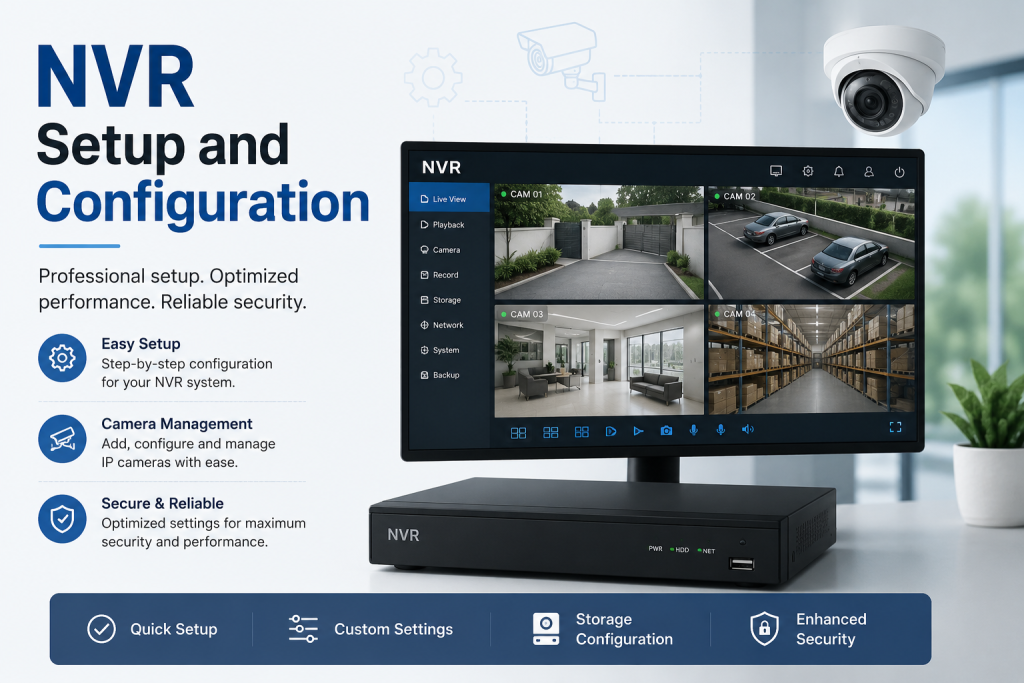
With the physical network and storage layers validated, logical configuration inside the NVR software management system can begin.
Recording Modality Calibration: To save storage space without losing critical events, configure a hybrid recording schedule. Set cameras overlooking low-traffic zones to “Motion-Triggered” or “Analytics-Based” recording (utilizing AI human/vehicle detection), while maintaining “Continuous 24/7” recording for primary ingress and egress points.
Pre- and Post-Event Buffering: Configure a mandatory pre-event recording buffer of 5 to 10 seconds. This ensures that when motion triggers a recording, the NVR includes the vital seconds of footage before the target entered the camera’s sensor field.
Time Synchronization (NTP): Video evidence is legally useless if the timestamps do not match reality. Bind the NVR and all connected IP cameras to a reliable Network Time Protocol (NTP) server to keep all system clocks synchronized down to the millisecond.
5. System Hardening and Remote Access Architecture
An unhardened NVR connected carelessly to the internet is a prime target for botnets and unauthorized snooping.
Port Forwarding Deprecation: Never use traditional router port forwarding to access your security cameras remotely. Opening ports like 80, 443, or 554 (RTSP) directly to the public internet exposes the NVR web interface to brute-force attacks.
Secure Remote Access Gateways: Implement a secure access path for remote viewing via mobile apps or off-site workstations. Utilize a dedicated corporate VPN tunnel (such as WireGuard or IPsec), or leverage an encrypted cloud-broker gateway provided by the enterprise NVR vendor that requires Multi-Factor Authentication (MFA).
Role-Based Access Control (RBAC): Restrict user privileges within the NVR system. Security guards may only need real-time “Live View” access, floor managers might require “Playback/Export” rights for specific cameras, while full system configuration permissions must be tightly restricted to core IT administrators.
6. Proactive Maintenance and Lifecycle Operations
A video surveillance system is a “set-and-forget” trap. Regular maintenance ensures the system actually works when an incident occurs and you desperately need to retrieve footage.
Automated Alerting and Telemetry: Configure the NVR to send instant alerts via email or push notifications to Dam IT Solutions LLC if a hard drive reports a SMART health failure, a camera loses its video stream, or video tampering (such as a camera lens being covered) is detected.
Physical Lens and Enclosure Maintenance: Schedule quarterly physical audits. Clean camera lenses with microfiber cloths to prevent spiderwebs and dust accumulation from blinding the night-vision IR sensors. Inspect outdoor enclosures to ensure moisture-absorbing desiccant packs are replaced.
Firmware Lifecycle Management: Keep the NVR operating system and camera firmware updated. Vendors routinely patch exploits that could allow unauthenticated users to hijack video streams or brick the hardware.
Need Help Securing Your Property with an Expert NVR Setup?
Designing an enterprise video surveillance system requires a meticulous balance between high-throughput networking, massive storage calculations, and rigid cybersecurity protocols. Whether you are upgrading an outdated analog system or deploying a brand-new 4K IP security network, the infrastructure team at Dam IT Solutions LLC is ready to build a reliable, high-performance solution custom-tailored to your facility.
