
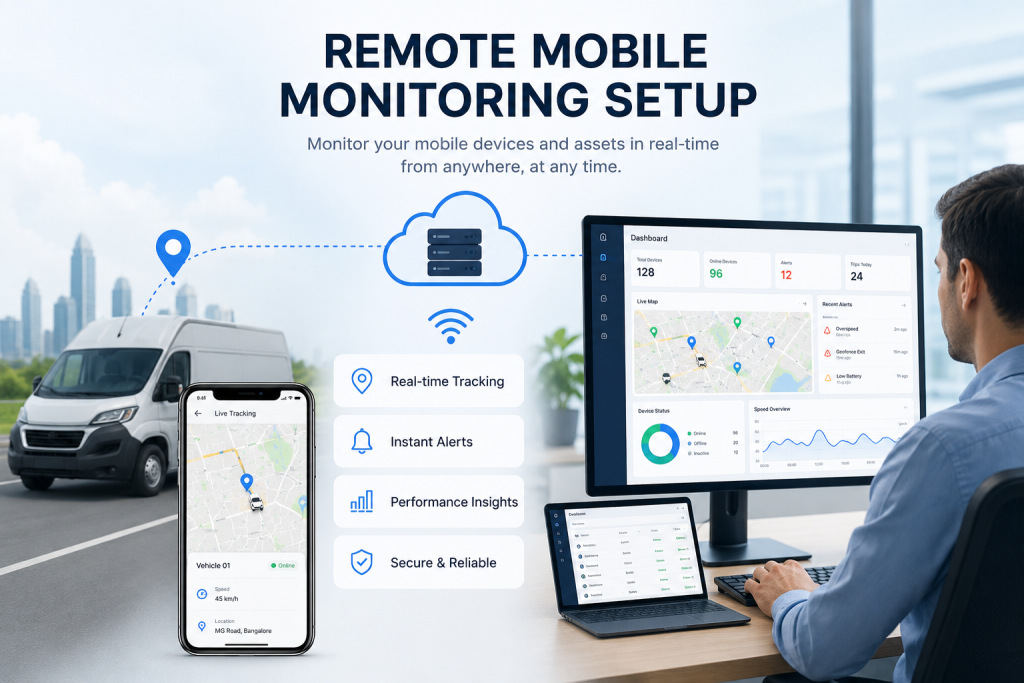
A Mobile Device Management (MDM) Architecture by Dam IT Solutions LLC
PART I: PROVISIONING AND MDM ARCHITECTURE
In an era defined by hybrid workforces and distributed operations, corporate mobile devices (smartphones, tablets, and rugged handhelds) represent both an employee’s primary tool and an enterprise’s most exposed security perimeter. Securing, tracking, and managing these assets requires transitioning away from manual configuration toward an automated, centralized Mobile Device Management (MDM) or Unified Endpoint Management (UEM) framework.
Setting up a remote mobile monitoring solution ensures that your corporate data remains protected, compliance standards are met, and technical support can be delivered anywhere in the world. This implementation framework, designed by the mobility team at Dam IT Solutions LLC, details the steps to deploy a secure, scalable remote mobile monitoring architecture.
1. Device Enrollment Program (DEP) and Zero-Touch Provisioning
The foundation of a secure mobile monitoring setup is ensuring that a device is under corporate control from the moment it is powered on. Manual enrollment leaves room for user error and security bypasses.
Automated Vendor Enrollment: Link your corporate purchasing accounts to zero-touch deployment programs—such as Apple Business Manager (ABM) for iOS/iPadOS or Android Enterprise Zero-Touch Enrollment. This registers ownership at the hardware serialization level.
Forced MDM Enrollment: When an employee unboxes a new device and connects to the internet, the device hardware automatically checks in with the registration server and forces enrollment into your corporate MDM platform. The user cannot skip or delete this management profile.
Over-the-Air (OTA) Configuration: Push essential settings—including corporate WiFi profiles, virtual private network (VPN) configurations, and localization metrics—directly to the device without IT personnel ever physically touching the hardware.
2. Policy Baseline and Profile Configuration
Once a device is enrolled, it must be assigned a management profile that dictates its capabilities, security restrictions, and monitoring parameters based on the employee’s corporate role.
Device vs. Work Profile Mode: For corporate-owned devices, utilize Full Device Management to control the entire operating system. For Bring Your Own Device (BYOD) scenarios, provision an isolated “Work Profile” container that secures corporate applications while leaving the employee’s personal photos, texts, and private apps completely invisible to the company.
Security Baselines: Enforce strict password/PIN complexity rules, mandate biometrics (FaceID/Fingerprint), and enable full-disk hardware encryption (FileVault/BitLocker equivalents) by default.
Application Whitelisting & Silent Push: Block access to unauthorized public app stores. Instead, build a customized corporate application catalog. Silently push mission-critical enterprise apps directly to the background of the device without requiring user interaction or an Apple ID/Google Account.
3. Asset Tracking and Geographical Telemetry
Monitoring the physical security of a device is just as critical as its digital security. Lost or stolen hardware presents an immediate data breach risk.
GPS Location Telemetry: Enable location tracking policies for field assets or logistics devices. For standard employee devices, privacy-centric configurations can restrict real-time tracking unless a device is explicitly flagged as lost.
Geofencing Parameters: Establish virtual geographical boundaries for highly sensitive assets. Configure the system to automatically trigger an administrative alert, lock the device, or revoke access to corporate networks the moment a tablet or smartphone leaves a pre-defined geographic perimeter.
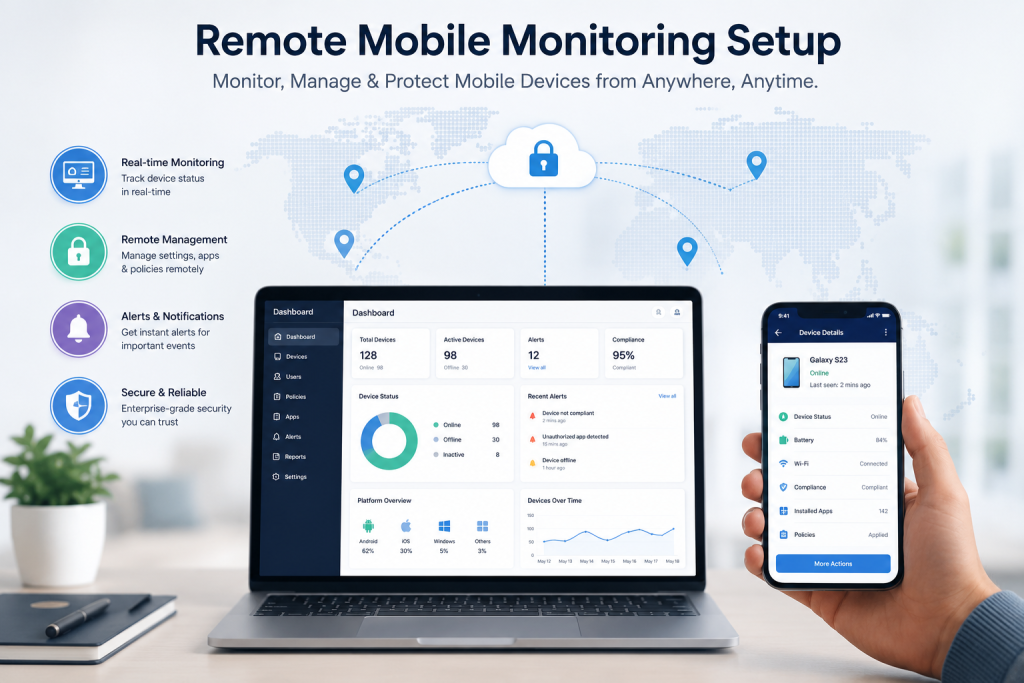
REMOTE OVER-THE-AIR (OTA) MAINTENANCE AND MONITORING
4. Real-Time Telemetry and Continuous Compliance Monitoring
Setting up the system is only half the battle; continuous automated auditing ensures that devices remain compliant with corporate security frameworks.
OS and Security Patch Telemetry: Monitor the operating system version of every active device from a single dashboard. Set up automated compliance rules that flag or temporarily quarantine devices if an employee delays installing a critical security update.
Jailbreak and Root Detection: Implement continuous posture checking. If an employee attempts to jailbreak an iOS device or root an Android device—bypassing the operating system’s built-in security sandbox—the MDM system instantly detects the compromise, revokes corporate access tokens, and alerts your security operations center.
Hardware Health Telemetry: Track cellular data usage anomalies, storage limits, and battery degradation across your entire fleet to proactively identify devices that require hardware replacement or plan optimization.
5. Proactive Maintenance and Remote Troubleshooting
When a remote worker encounters an application failure or configuration glitch, traditional walk-in IT helpdesks are not an option. Remote mobile monitoring solutions bridge this gap via secure over-the-air tools.
Attended Remote Control and Screen Sharing: Integrate secure remote assist tools that allow IT administrators to view or control the device’s screen in real-time (with the user’s explicit permission) to diagnose software errors, train end-users, or fix network configurations.
Silent Updates and Configuration Adjustments: Modify configuration profiles on the fly. If a corporate server address changes or a new wireless network is introduced, update the central MDM policy to silently push the changes to all devices globally without disrupting user workflows.
Automated App Management: Automatically clear application caches, force stuck app updates, and audit application permissions remotely to maintain peak device performance.
6. Incident Response and Cryptographic Lifecycle Management
Every mobile device lifecycle eventually concludes—either through standard hardware retirement, employee offboarding, or physical asset loss.
Targeted Corporate Wipe: In offboarding or BYOD scenarios, execute a “Selective Wipe.” This instantly destroys all corporate emails, enterprise apps, and secure data containers from the device while leaving the employee’s personal data completely untouched.
Full Remote Cryptographic Erase: In the event a device is lost, stolen, or compromised, administrators can issue an immediate over-the-air “Full Device Wipe.” This commands the hardware to instantly obliterate its internal cryptographic keys, rendering all stored data completely unrecoverable within seconds.
Lifecycle Decommissioning: Coordinate hardware lifecycle tracking with Dam IT Solutions LLC to ensure retired mobile devices are securely un-enrolled from hardware enrollment portals, preventing orphaned hardware from trying to re-register to your company down the line.
Ready to Secure Your Remote Mobile Workforce?
Implementing a remote mobile monitoring solution requires a careful balance between robust enterprise security and employee privacy. Whether you need to deploy hundreds of corporate smartphones with zero-touch automation or secure a flexible BYOD workforce, the systems architects at Dam IT Solutions LLC can design, build, and maintain a custom endpoint management system tailored to your operations.
